
Do you worry about changing your mobile number, especially when it is linked to important documents? A missed message or failed OTP can suddenly block access to essential services. But what if this problem could be solved without standing in long queues? What if the solution were just a few clicks away? Today, a simple online facility allows driving licence holders to update their mobile numbers from the comfort of their homes. This digital initiative has made life significantly easier for millions across India.
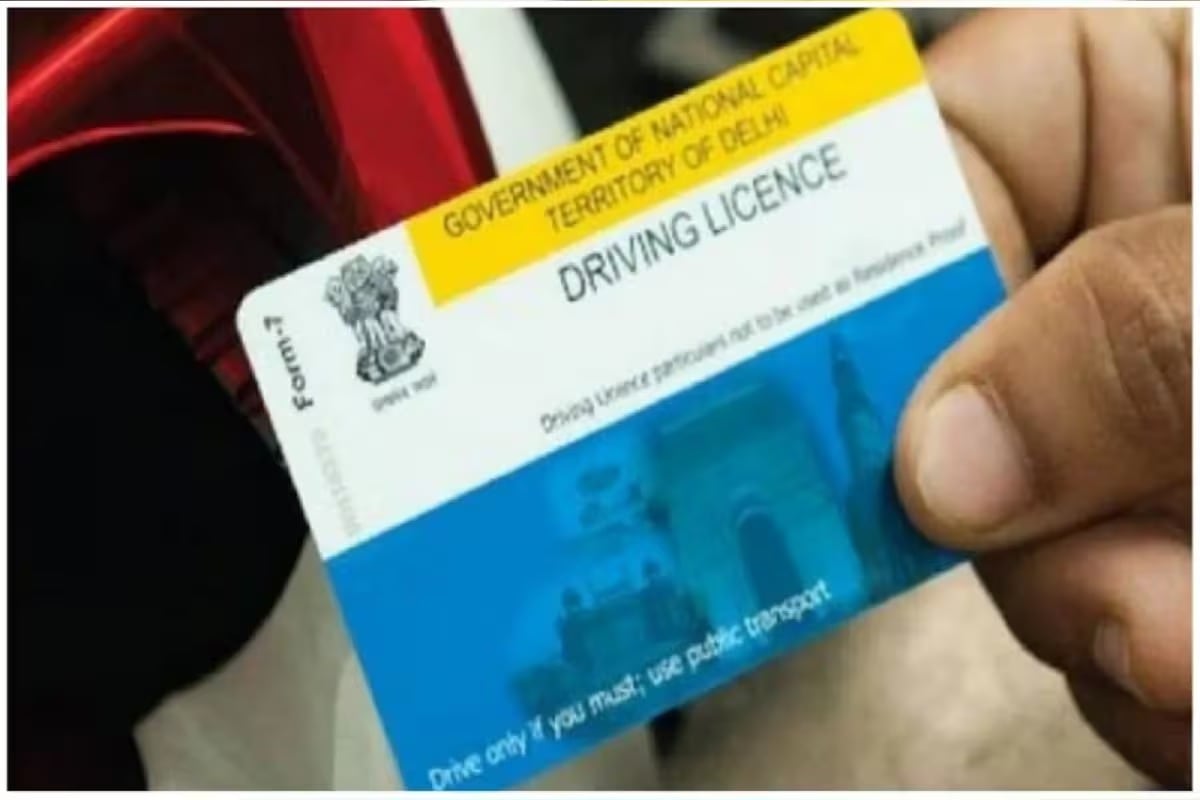
With the rapid growth of digital services in India, government-related tasks have become faster and more convenient. Updating the mobile number linked to your driving licence is one such service. Earlier, people had to visit the Regional Transport Office (RTO) in person, but now the entire process is online and takes only a few minutes. All you need is a smartphone or computer, internet access, and your Aadhaar card. This service is available through the official Parivahan website and the mParivahan mobile app.

To begin, visit the official Transport Department website at parivahan.gov.in or open the mParivahan app. On the homepage, look for the “Information Services” section. From there, select the option related to Driving License services. This portal is designed for public use and is easy to navigate. All steps are clearly listed, helping users complete the update without confusion or extra help from agents.

After selecting Driving License services, click on “Driving License Related Services.” Next, go to the “Other Services” section and choose your state from the list provided. Once your state is selected, you will see multiple options. Look for “Update Mobile Number” and click on it. This option allows you to change only your contact number, without affecting any other license details.
The system will now ask for Aadhaar verification to confirm your identity. Enter your Aadhaar details as shown on the screen. After verification, you can enter your new mobile number carefully. Make sure the number is active. This step is important because all future messages and OTPs related to your driving license will be sent to this number.
After entering the new mobile number, an OTP will be sent to it. Enter the OTP on the website to complete the verification process. Some states may charge a small online fee for this update. The payment, if required, can be made using online methods like UPI, debit card, or net banking. The entire process usually takes just a few minutes.
Once the request is submitted, the update does not happen instantly in all cases. Depending on your state transport office, the change can take anywhere between 24 hours and 7 days. During this time, your request is checked and added to the official records. After completion, your new mobile number becomes active for all driving license services.
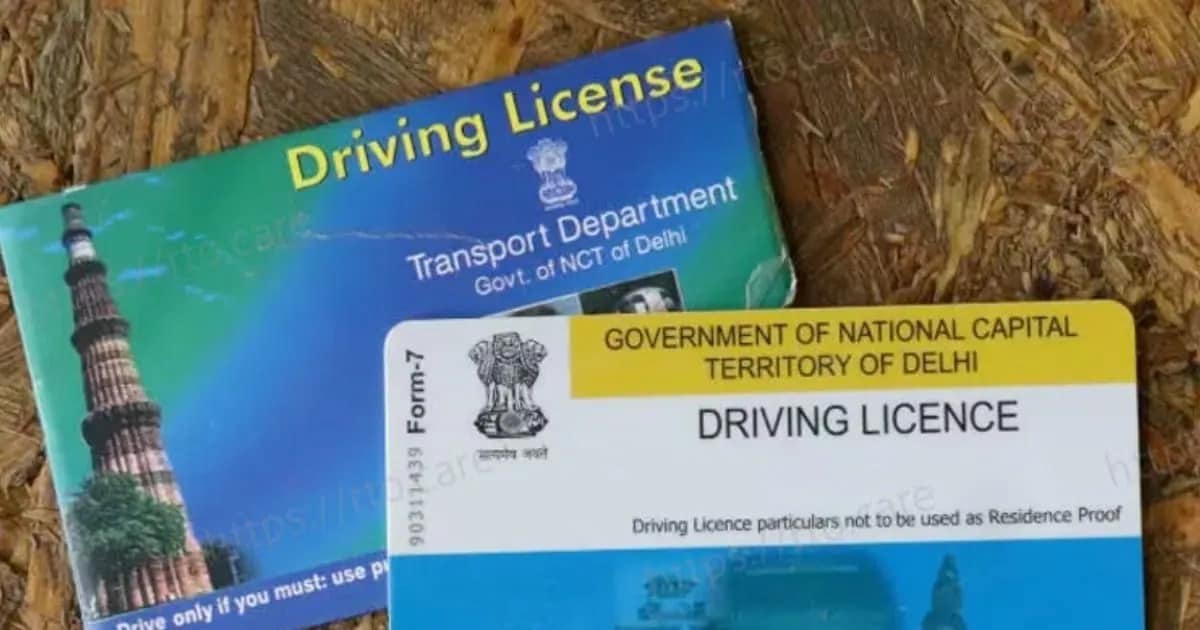
Updating your mobile number does not affect any other driving license services. Your license number, validity, address, and vehicle details remain unchanged. Only the contact number is updated in the system. This means you can continue using your driving license normally. There is no impact on renewals, fines, or vehicle-related services linked to your license.

Keeping your mobile number updated is essential in today’s digital environment. A driving licence is widely used for banking, insurance, e-challan payments, renewals, and identity verification. Many of these services rely on OTP authentication. If your registered mobile number is inactive or incorrect, you may miss important alerts or face failed transactions. Updating your number ensures uninterrupted access to online services and prevents unnecessary delays.
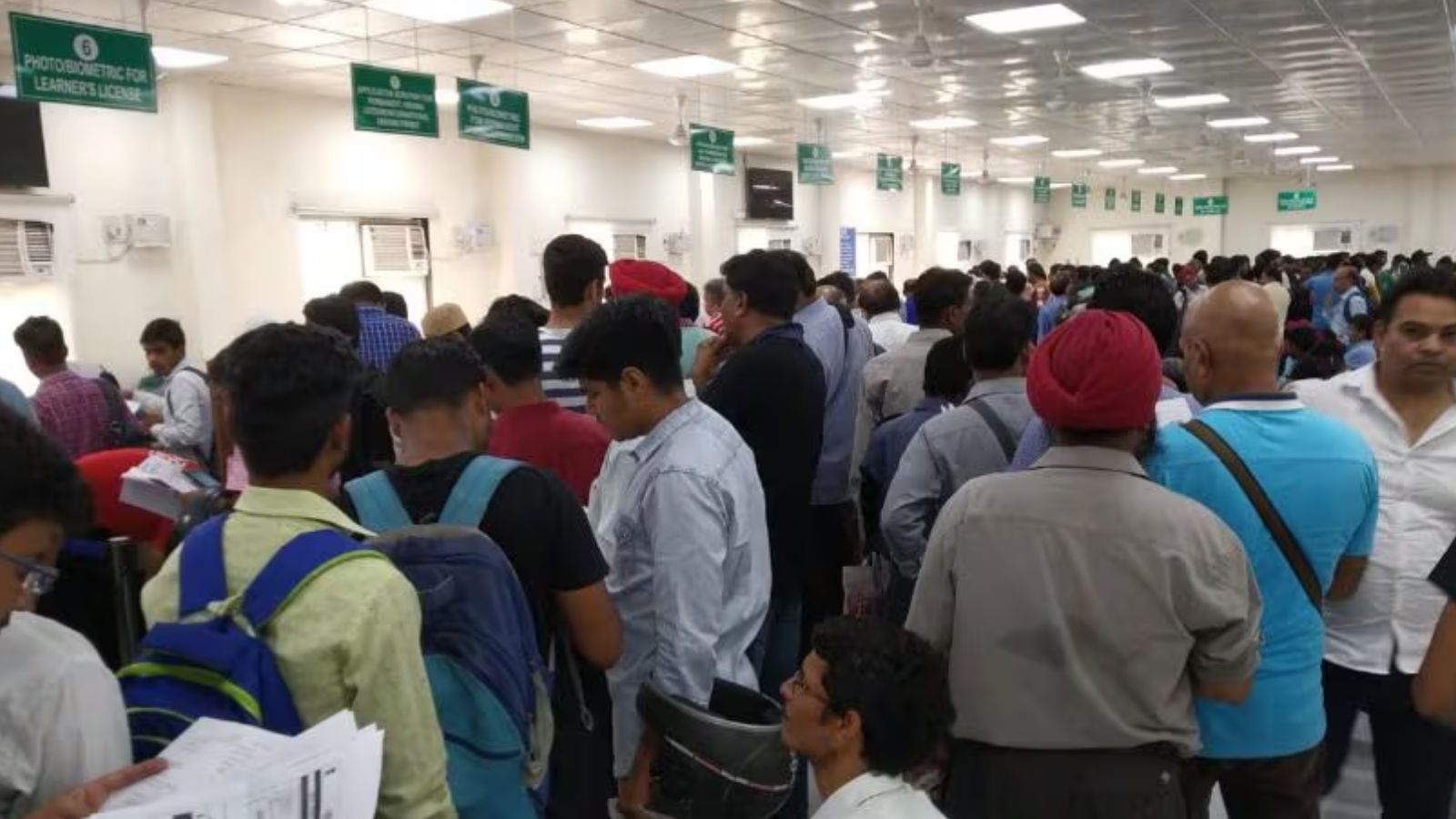
The biggest advantage of this service is that there is no need to visit the RTO. Everything can be completed from home through the Parivahan portal, saving time, travel expenses, and paperwork. The online system is designed to be quick and user-friendly. With just a few simple steps, you can keep your driving licence details updated and avoid potential issues in the future.
Source link
[ad_3]

