
Mumbai3 minutes ago
- copy link
In Mumbai, a 26-year-old woman was digitally arrested by thugs pretending to be a Delhi Police officer.
In Mumbai, a woman was digitally arrested and made to remove her clothes over video call. The thugs introduced themselves as Delhi Police officers in front of a woman working in a pharmaceutical company. The accused told the woman that her name had come up in a money laundering case related to Jet Airways founder-chairman Naresh Goyal. Goyal is currently in jail. After this the thugs recovered Rs 1.7 lakh from the woman.
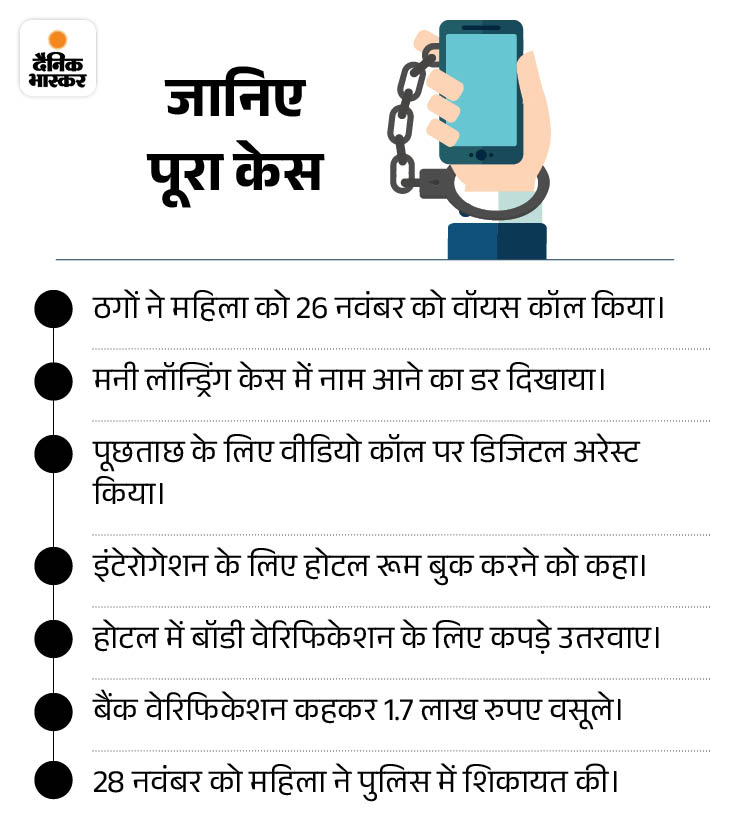
Booked a hotel room for enquiry. On November 19, thugs called a 26-year-old woman living in Mumbai and told her that her name had appeared in a money laundering case. After convincing the woman, the thugs shifted the voice call to video call. After this, the woman was asked to check in to the hotel room for further questioning.
After checking in at the hotel, the thugs asked her to transfer Rs 1 lakh 78 thousand to verify the woman’s bank details through video call. After this, the thugs also made the woman remove her clothes for body verification.
When the woman realized that she had been duped, she lodged a police complaint on November 28. The police is investigating the matter
Fraud happened earlier also in the name of Naresh Goyal Earlier, Mr. Paul Oswal, Managing Director of textile company Vardhaman in the name of Naresh Goyal, was also digitally arrested by the thugs. He was defrauded of Rs 7 crore.
The police had arrested two people in this case. Rs 5.25 crore were also recovered from him. The police had identified seven more people of the gang.
Understand about digital arrest…
Question- What is digital arrest?
answer- Digital arrest is blackmailing done over video call, in which cyber thugs, posing as police or government department officials, torture people emotionally and mentally.
Cyber fraudsters make people believe that something bad has happened or is about to happen to them or one of their family members. Since the person sitting in front is in police uniform, most of the people get scared. After this they keep falling into their trap.

Question- How can we identify digital arrest?
answer- According to the police, there is a need to be careful and alert to identify digital arrest. If you receive a phone call from an unknown number, keep these points in mind given in the graphic below.

Question- What to do to avoid digital arrest?
answer- Cyber expert Rahul Mishra says that WhatsApp is the biggest weapon of cyber thugs in digital arrest. They make people their victims only through WhatsApp video calls. Therefore, first of all make some changes in the settings of your WhatsApp, so that if a call comes from an unknown number, you only receive notifications. After this, keep these things in mind.
- Do not pick up any suspicious calls coming on WhatsApp, Facebook or Instagram.
- If you have picked up the phone, don’t panic. Just don’t share your personal and financial information.
- In case of initial doubt, disconnect the phone immediately. Avoid long conversations on the phone.
- Be sure to immediately verify the call coming from an unknown number with an app like TrueCaller.

Question- How can I silence unknown calls on WhatsApp?
answer- In the last few years, cases of scams through unknown calls on WhatsApp have increased rapidly. To stop this, WhatsApp has added a new feature. The name of this feature is – Unknown Call Silent. As soon as you turn it on, unknown and spam calls will be automatically muted. However, you will be able to know from which number the call has come through notification.
Follow these steps to turn on the unknown call silent feature of WhatsApp.
step 1: First of all open your WhatsApp app.
Step 2: After this open the settings of the app.
Step 3: Go to ‘Privacy’ option and click.
Step 4: After this click on the option of ‘calls’.
Step 5: Here you will get the option of ‘Silence unknown callers’. Select it and turn it on.
With this, you will get the first notification of unknown calls coming on WhatsApp.

Question- Can I complain about fake calls online?
answer- The Telecom Department has launched Chakshu portal to stop fake calls and messages on WhatsApp. On this portal, you can report suspicious messages, calls or spam calls coming on WhatsApp. Follow these steps to make a complaint.
- First of all go to the official website of Sanchar Sathi Portal.
- After this click on the option of ‘Citizen Centric Services’.
- Click on ‘Report Suspected Fraud Communication’.
- After this go to the option of ‘Continue For Reporting’.
- Now the form page will open. Fill the details of fake call or message in it.
- There will be a fraud list in the form. Click on the option regarding your complaint.
- Also upload the screenshot of fake call or message in it.
- Finally write your mobile number and name.
- Submit it after captcha code and OTP verification.
Apart from this, if you get any such call or message in which money is demanded by threatening you, then definitely complain about it at the nearest police station or cyber crime helpline number 1930. You can also lodge a complaint online at http://www.cybercrime.gov.in.
—————————
Also read these cases related to digital arrest…
Robbers arrested digitally on camera for the first time: Bhaskar reporter remained imprisoned for 6 hours, every conspiracy recorded, Part-1
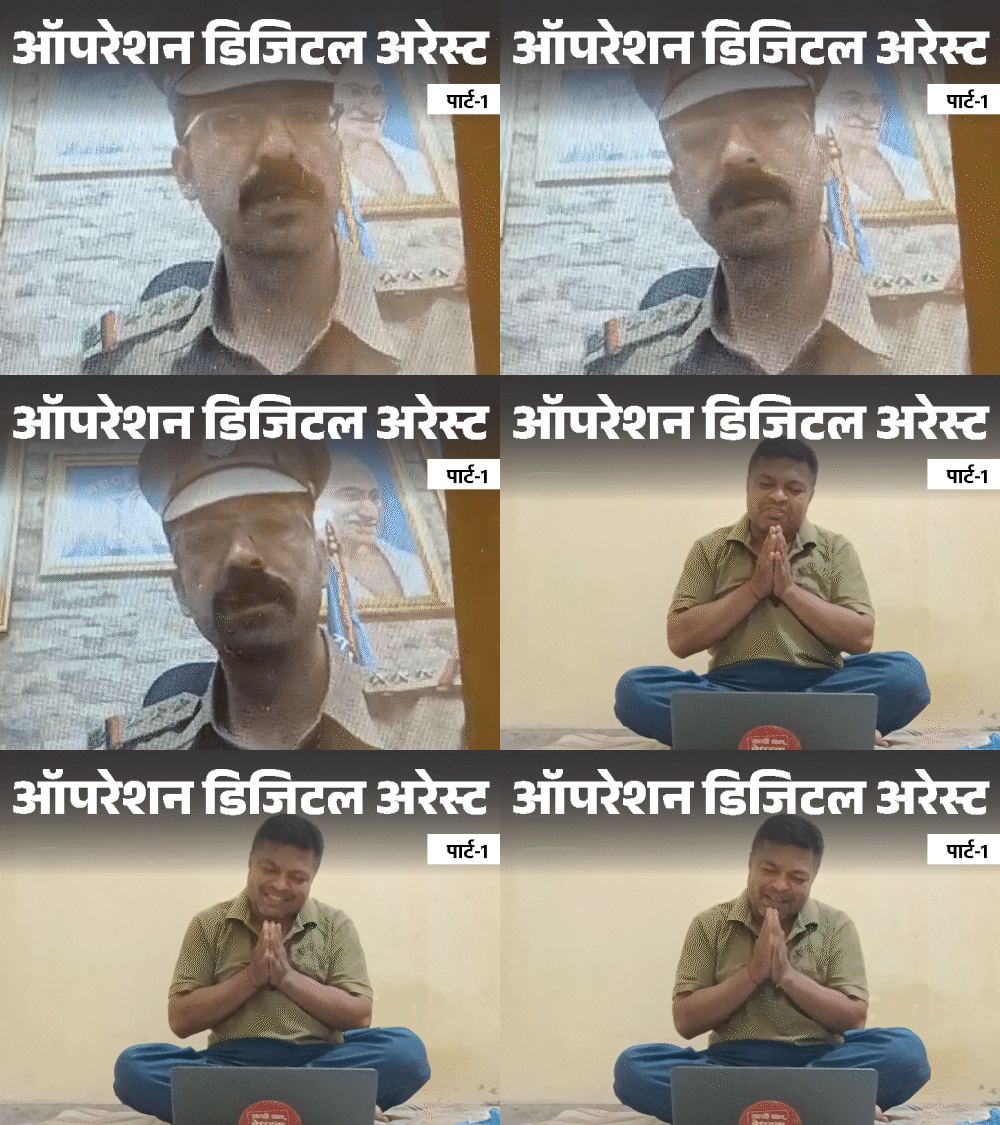
Bhaskar reporter Rawat Praveen Singh got himself digitally arrested to reveal the truth about online robbers who are making digital arrests across the country. Endured mental and physical torture for 6 hours, so that evidence could be gathered against them. Read the full news…
Gang of fake policemen in Rajasthan, ‘big people’ on target: Crores of rupees looted by calling some as rapists and others as terrorists
Video calls from unknown numbers. As soon as he receives it, he sees a person in police uniform. Pictures of great men on the back wall. Seeing this, the person receiving the call gets nervous – What mistake have I done that the police have called? Robbers who make digital arrests take advantage of this. Read the full news…
Source link
[ad_3]

